







Yes, you read that correctly! Selenium testing is a popular, open source browser automation tool set — and for a while now, Ghost Inspector has allowed you to export your tests in Selenium’s HTML format. Now, Ghost inspector allows you to import tests in that very same format.
The benefits of this new functionality are two fold: One, Ghost Inspector users now have a complete mechanism for exporting copies of their tests and importing them back into the system at a later time. And two, apart the importing Ghost Inspector tests back in, users now have the ability to import tests they’ve created with Selenium IDE, Selenium Builder, and other external tools.
How to Import Selenium Tests
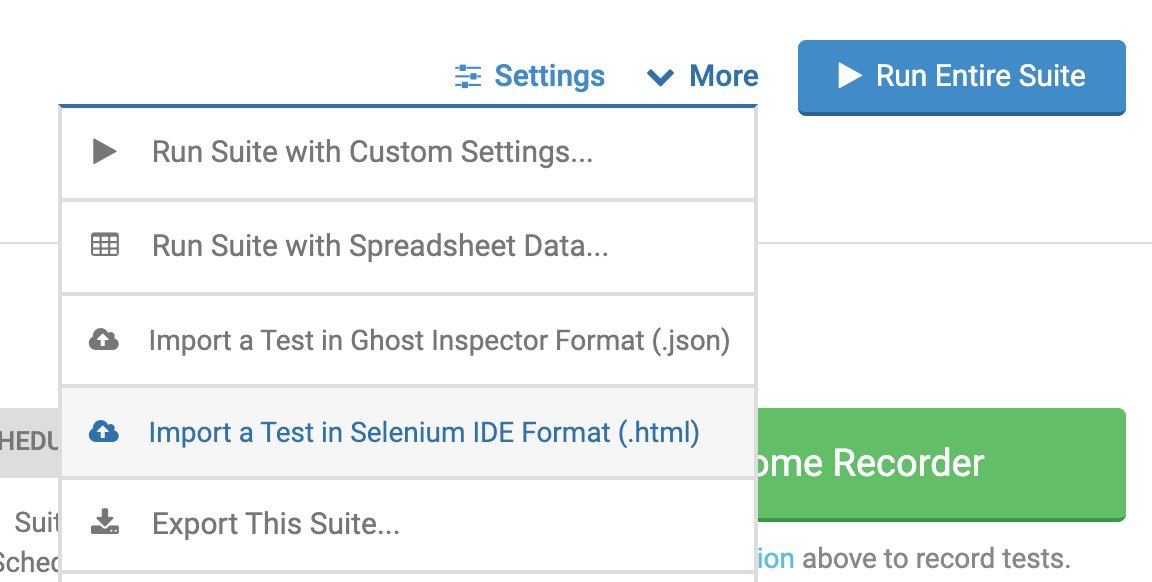
Ghost Inspector allows you to import single tests in Selenium HTML format. This is done from the suite screen (so you must have or create a suite first). Under the “Actions” menu, choose the “Import a Test in Selenium Format (.html)” option. This will present you with a file selection box for choosing the local .html file on your machine.
The import process should take no more than a few seconds. Once complete, you’ll be redirected to the test editor screen showing the steps of your imported test. Here you can review the imported steps and make any necessary adjustments. Use the “Save” button to save the test after review. You will be returned to the test’s main screen where you can then run the test.
Using External Tools to Create Selenium Tests
While the Selenium import functionality can be used to import Ghost Inspector tests that have been exported, it can also be used to import tests that have been created with Selenium IDE, Selenium Builder, and other external tools.
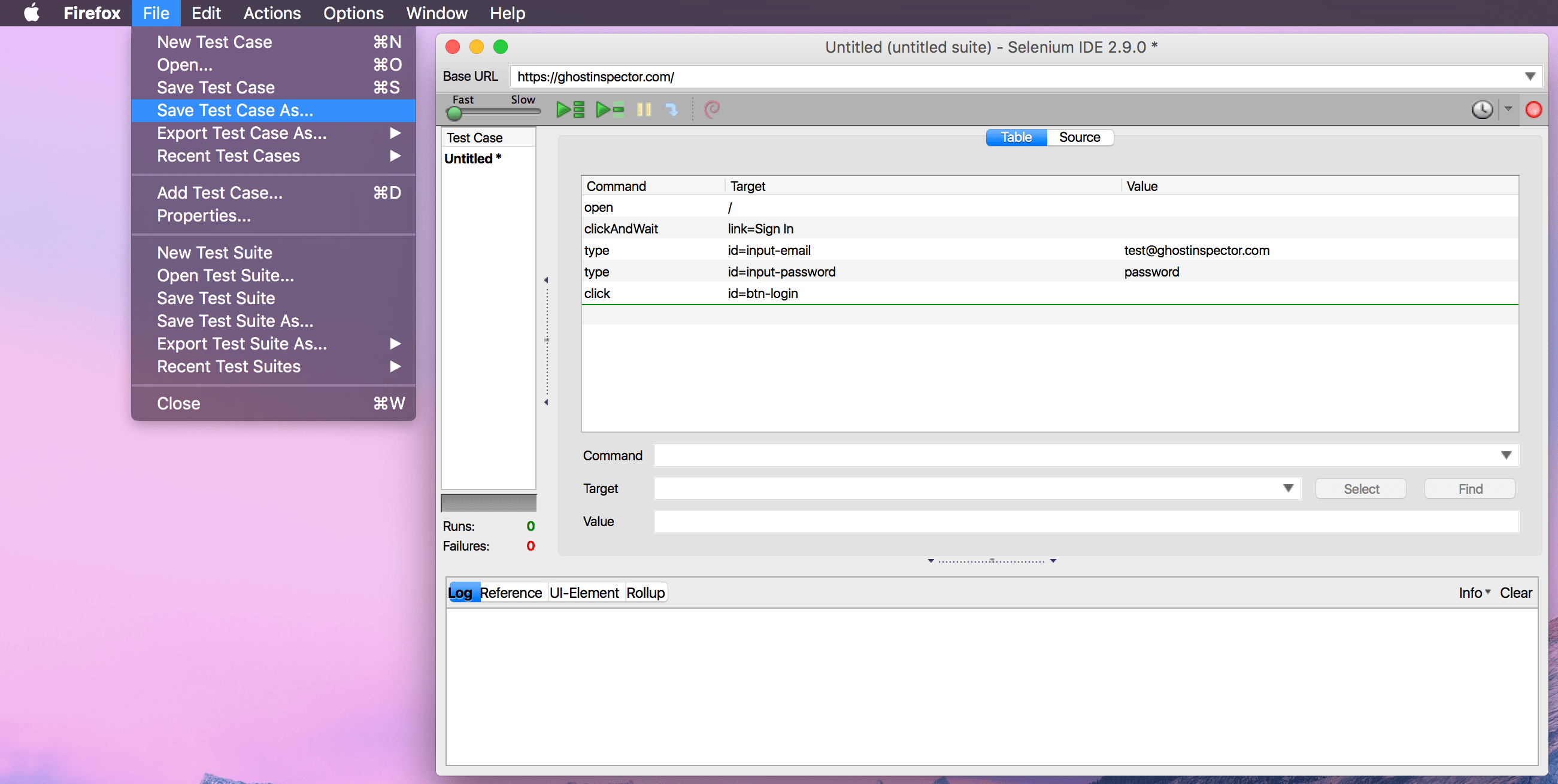
The vast majority of common selectors and commands used in external Selenium scripts are supported, but it’s worth reviewing our official list of supported commands. Also note that Ghost Inspector may remove or convert unnecessary steps. For instance, commands like waitForPageToLoad and waitForElementPresent are not necessary with Ghost Inspector, because these are applied automatically between each step.
While Ghost Inspector currently only imports Selenium HTML format files, the Selenium Builder extension for Firefox has the ability to open various other formats and convert them to the HTML format that Ghost Inspector accepts.